
Latent — Look development for DaVinci Resolve. The film look, from the film process.
A film-emulation plugin for DaVinci Resolve. Choose a negative, develop it, print it to film or photographic paper, and shape the image with the decisions of a real lab.
$149 founders · $319 when v1.0 ships
Why it feels different
Start with an image that already feels finished.
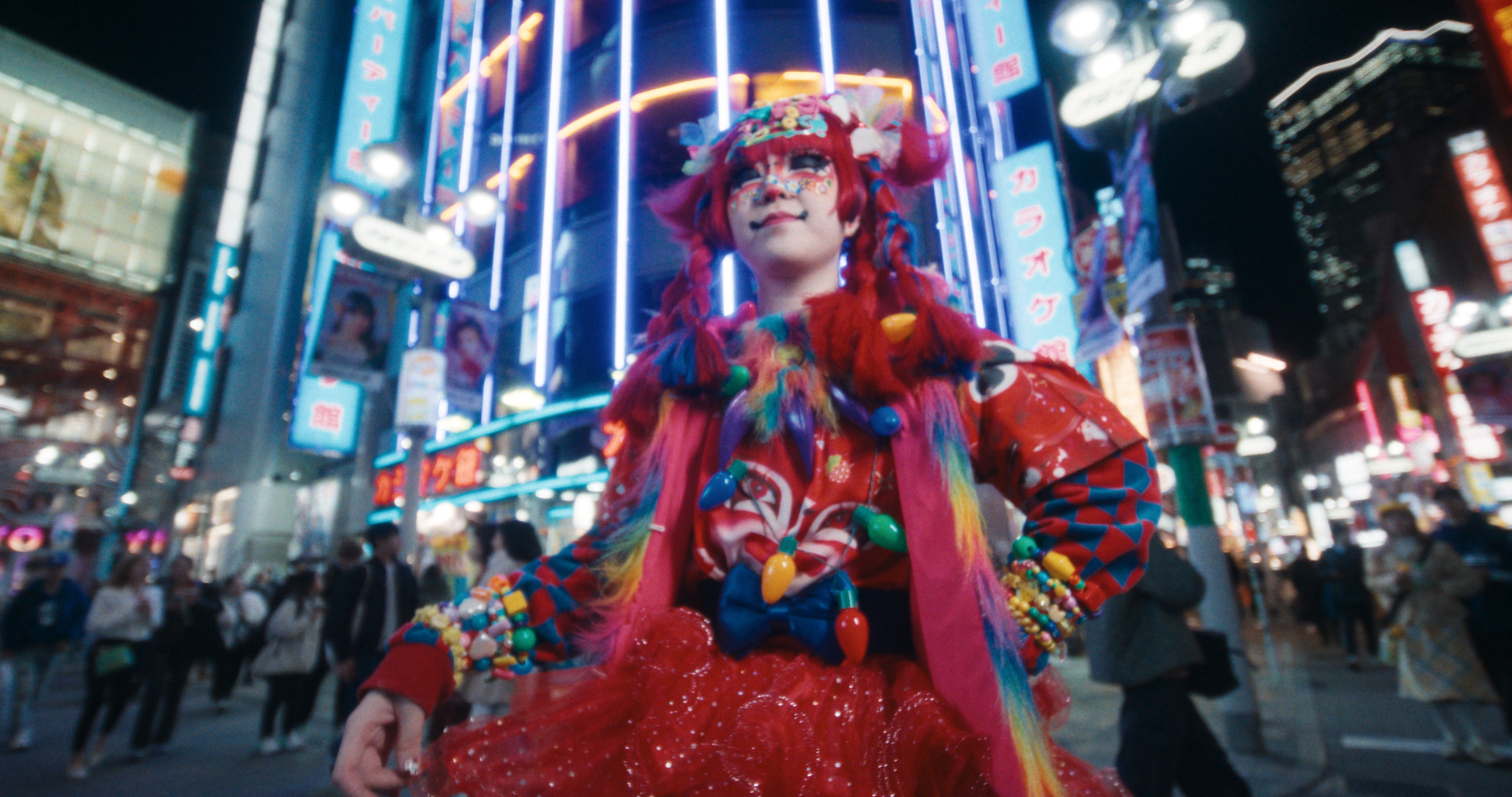
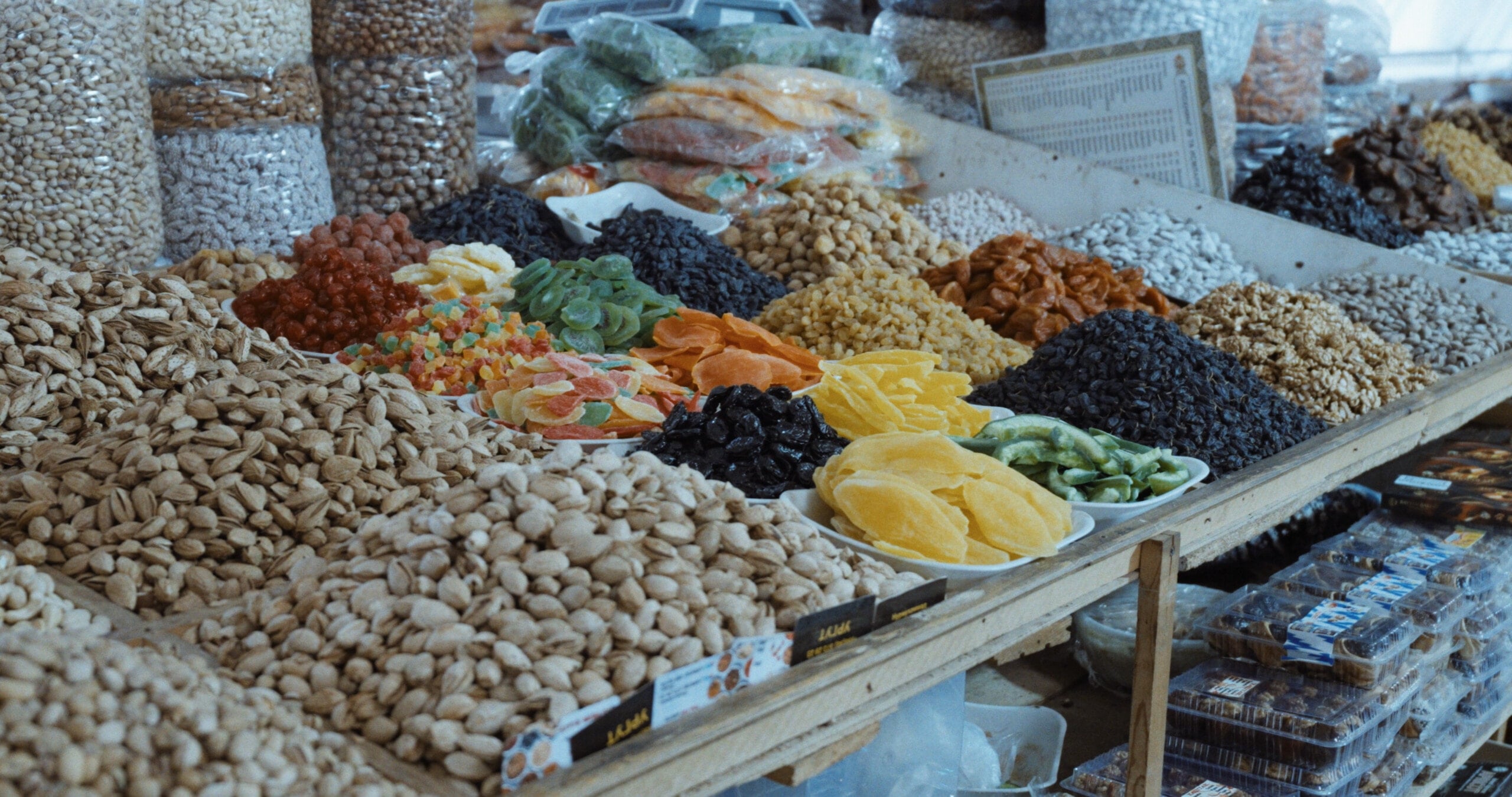
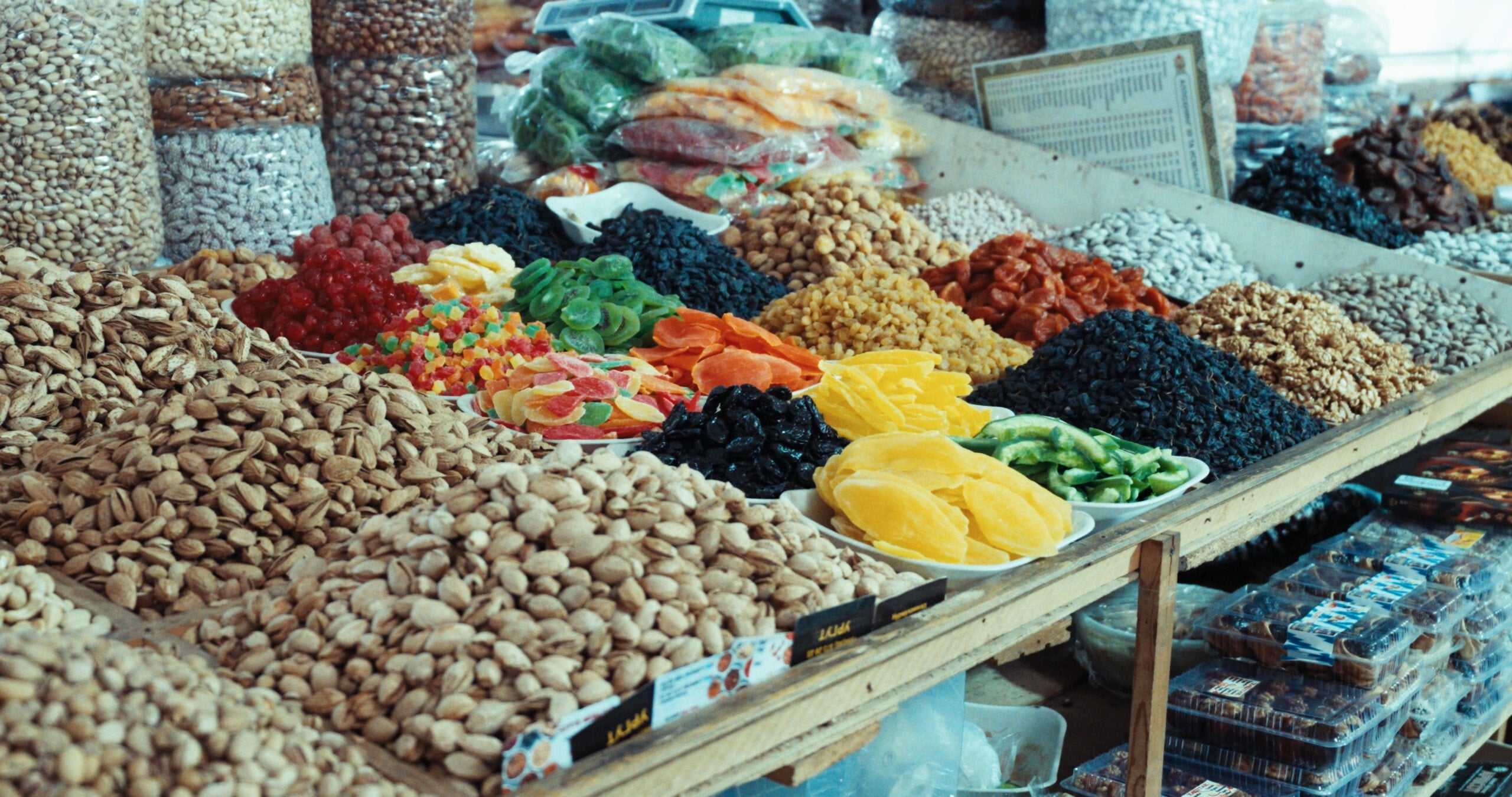
Beautiful footage can still feel harsh, thin, or unfinished through a plain display transform. Latent replaces that baseline with tone, hue, grain, halation, and interlayer effects working through the same film process. Each contribution is small. Together they make the image feel deeper, more natural, and finished.
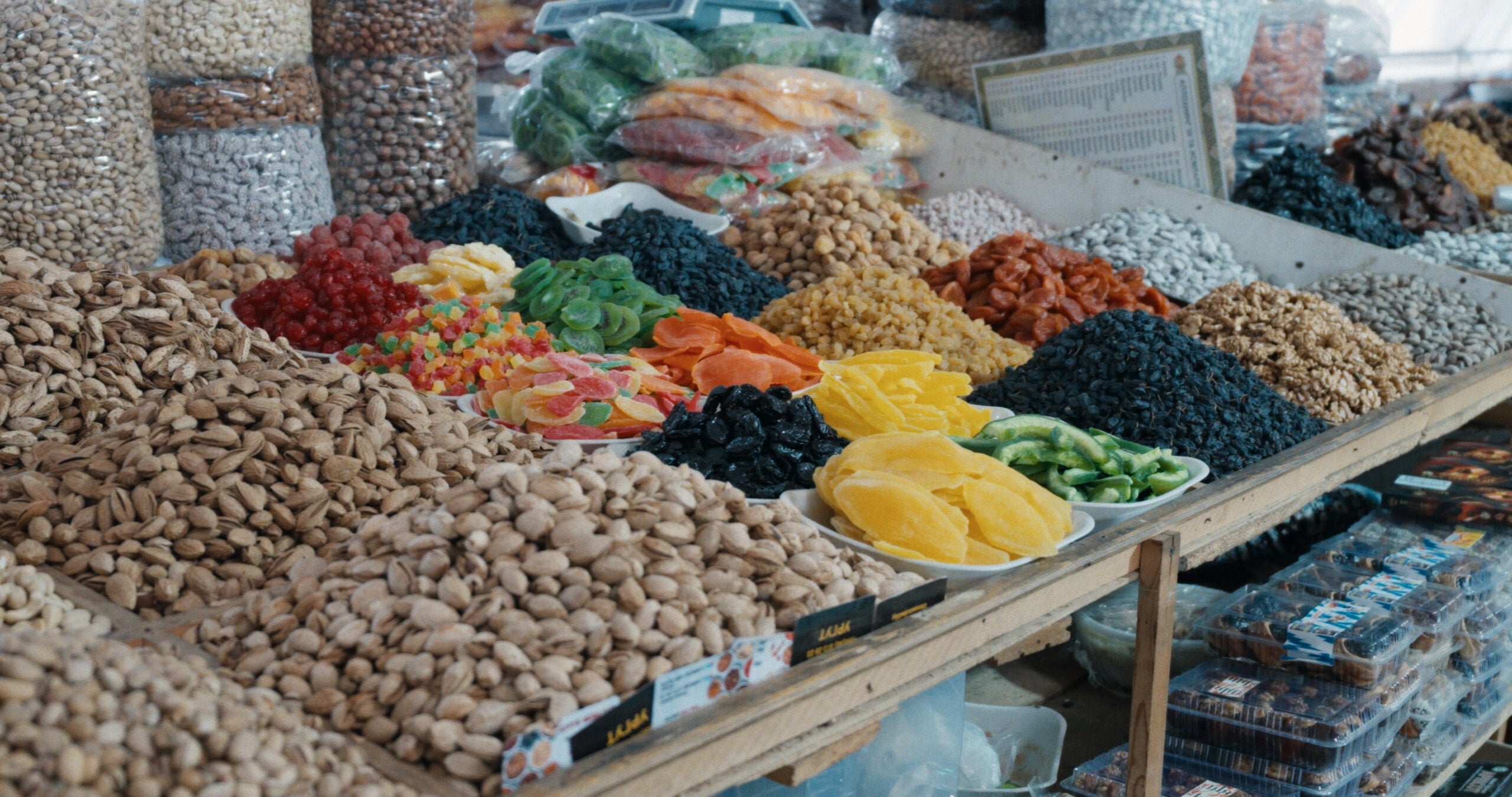
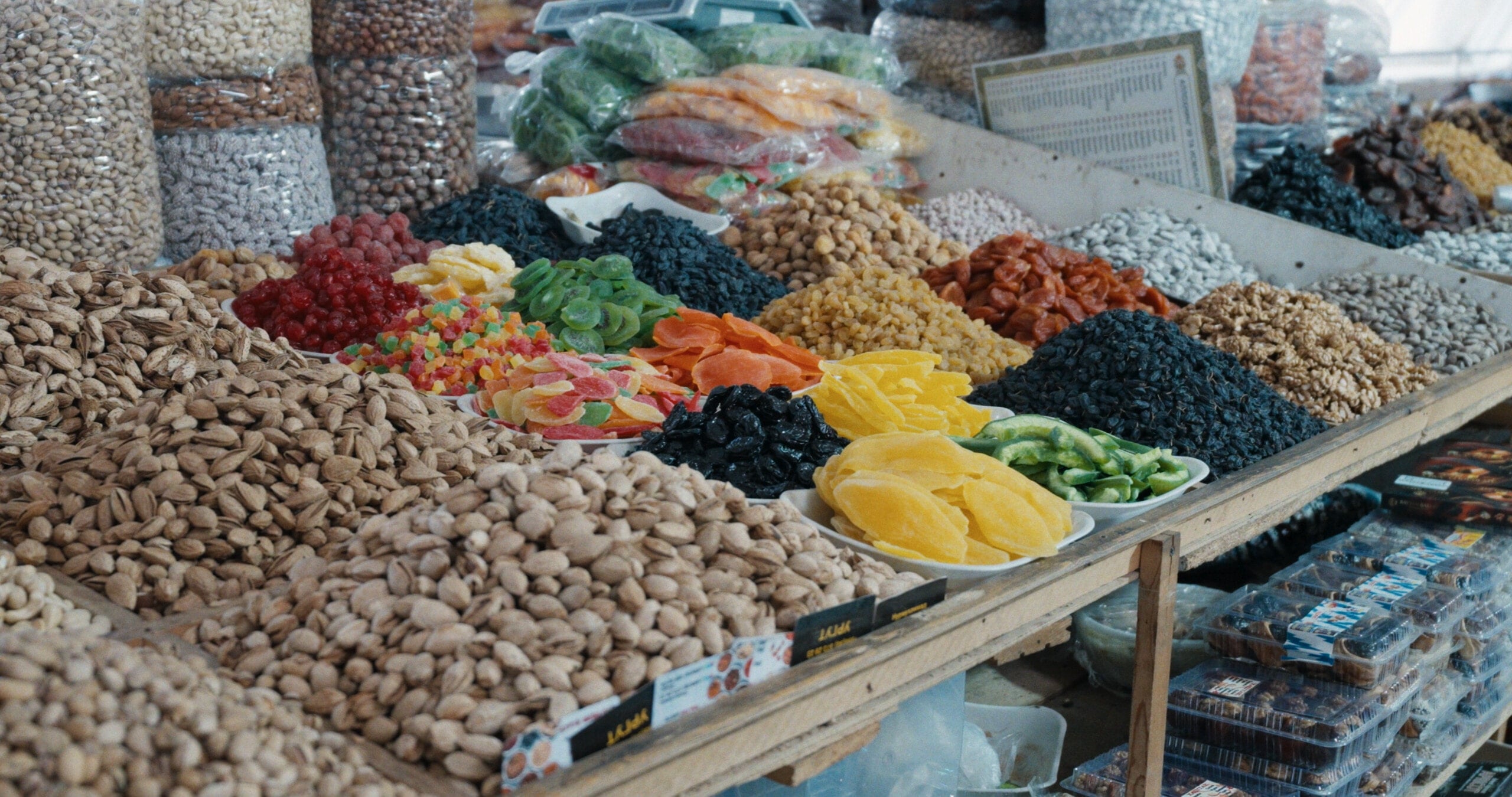
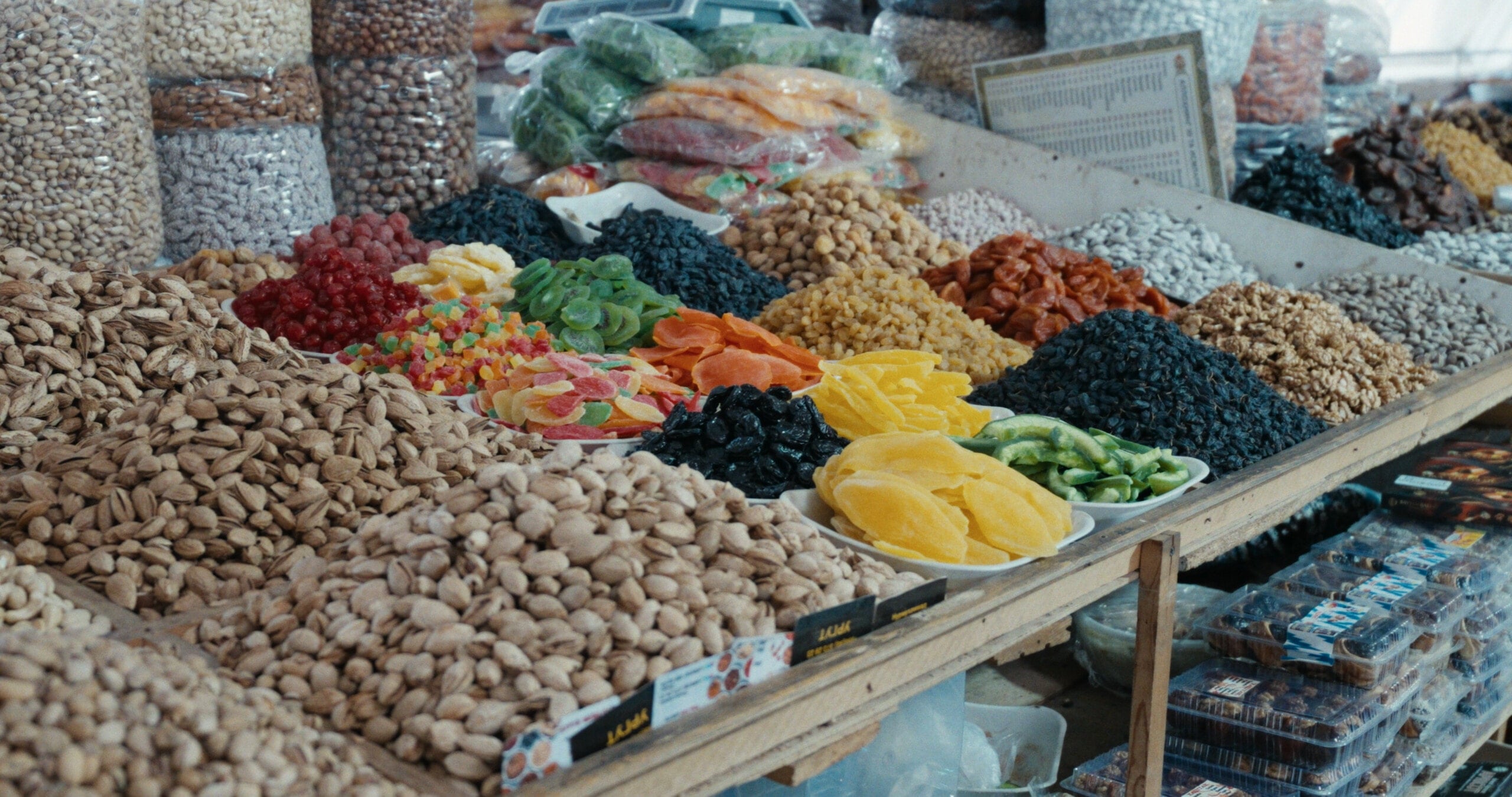
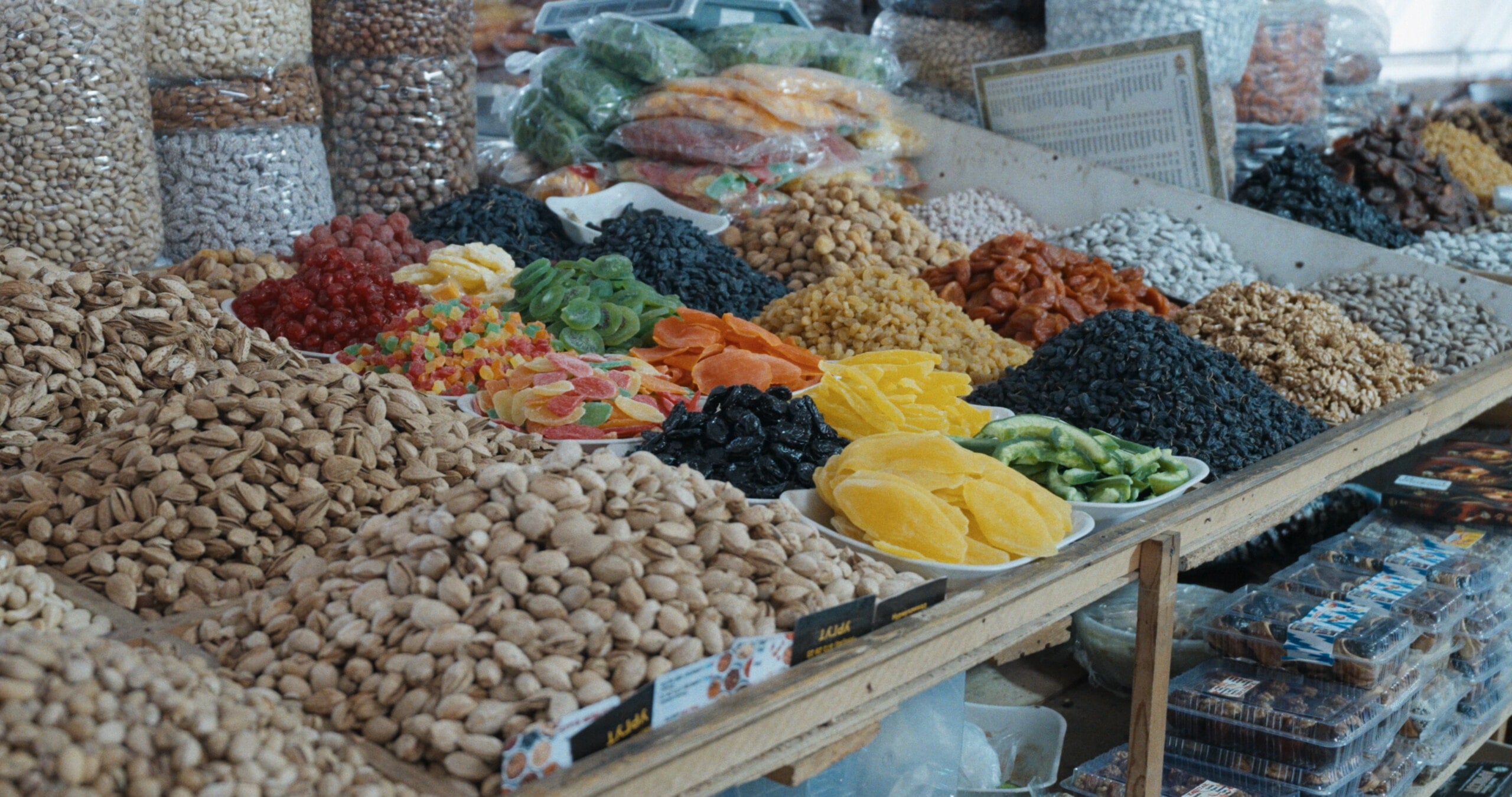
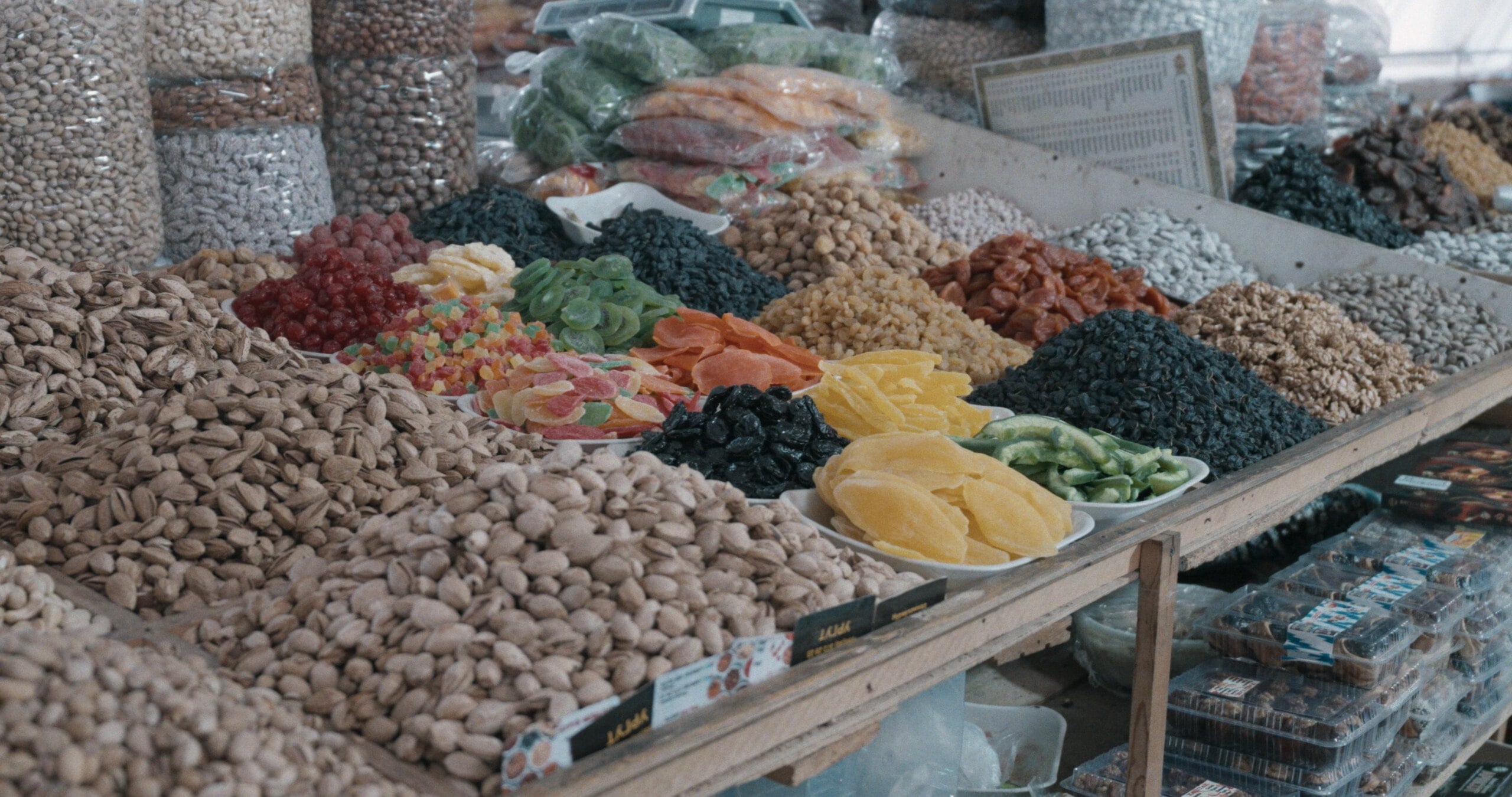
 After
After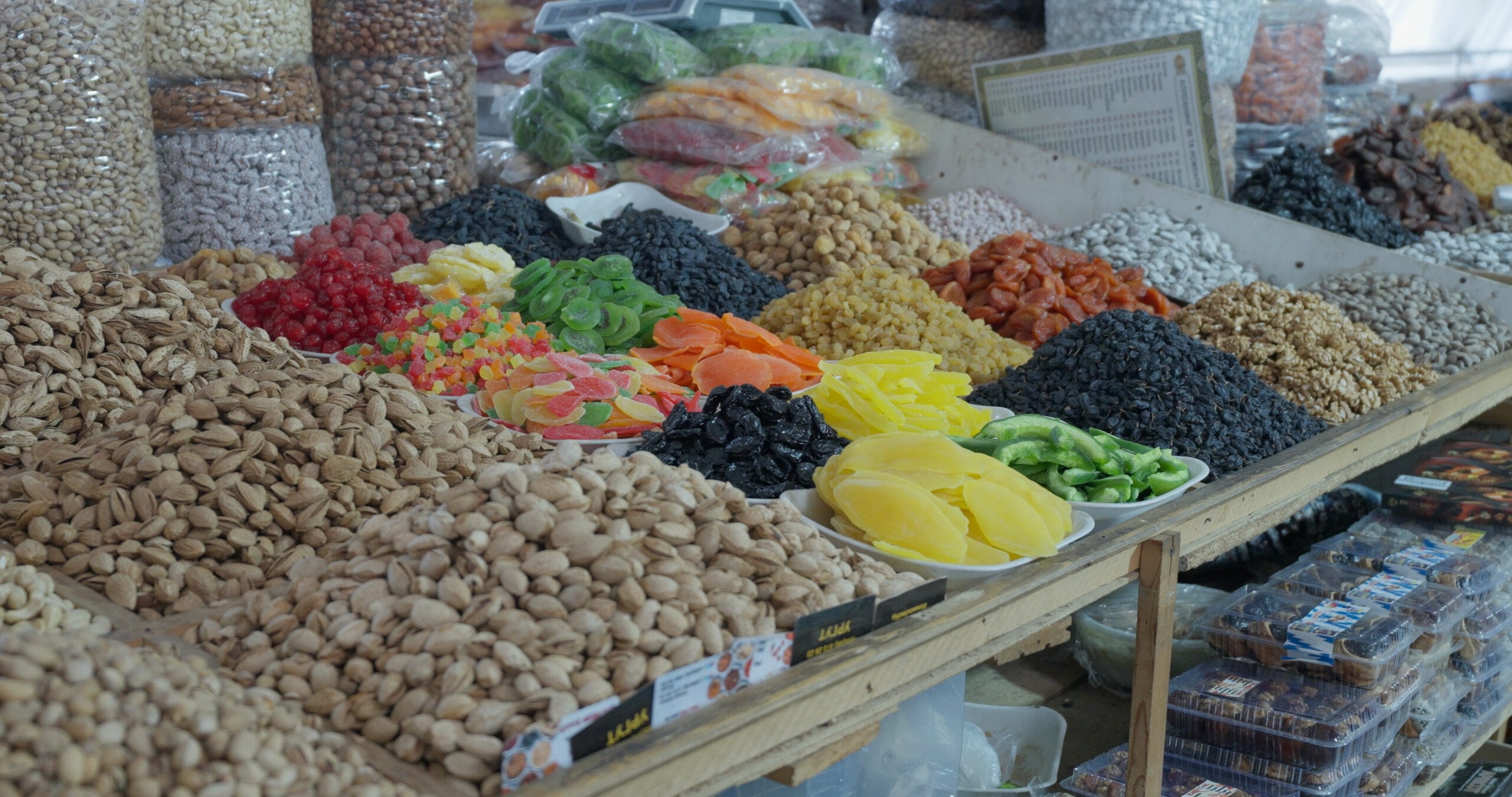 Before
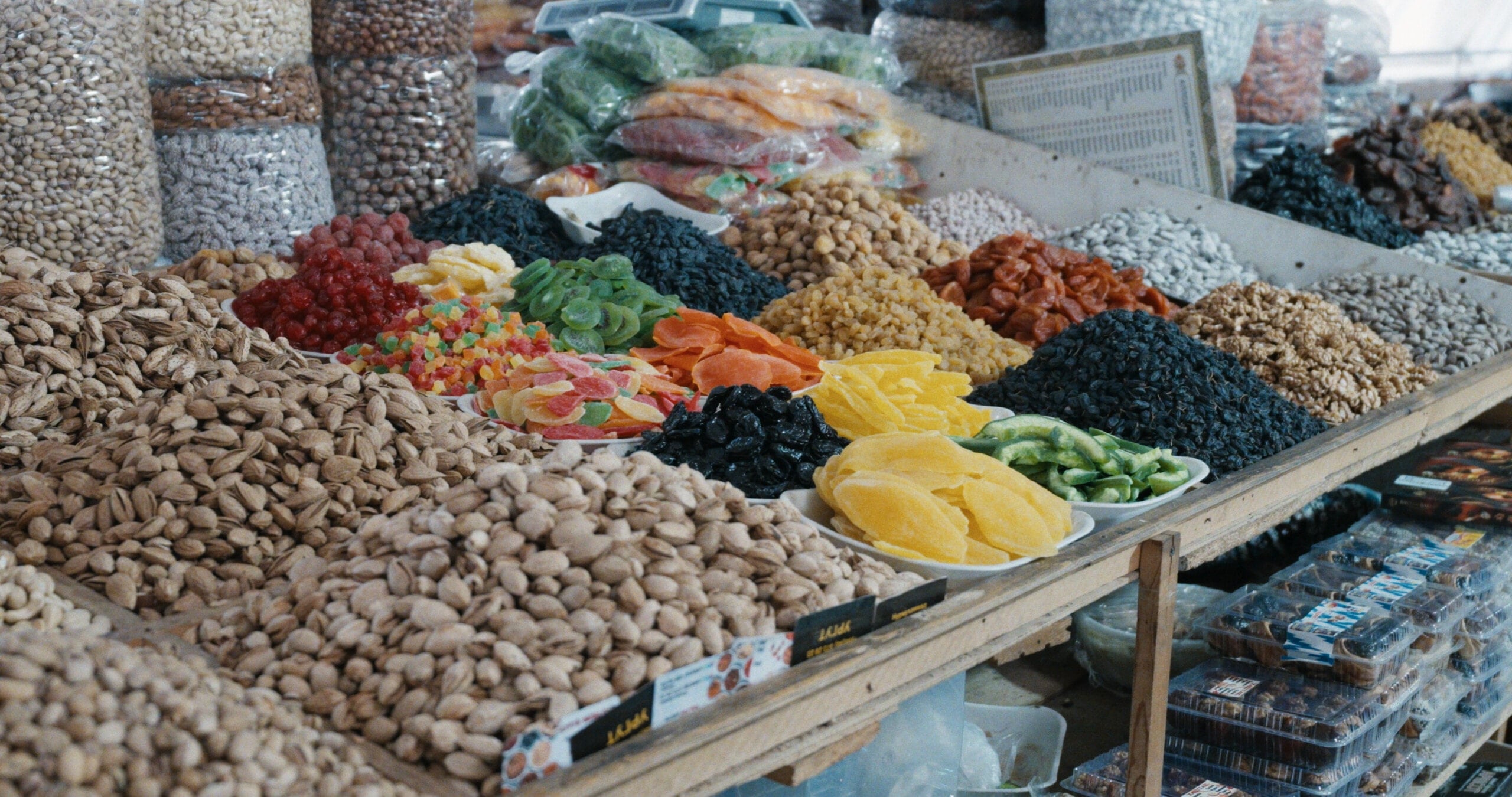
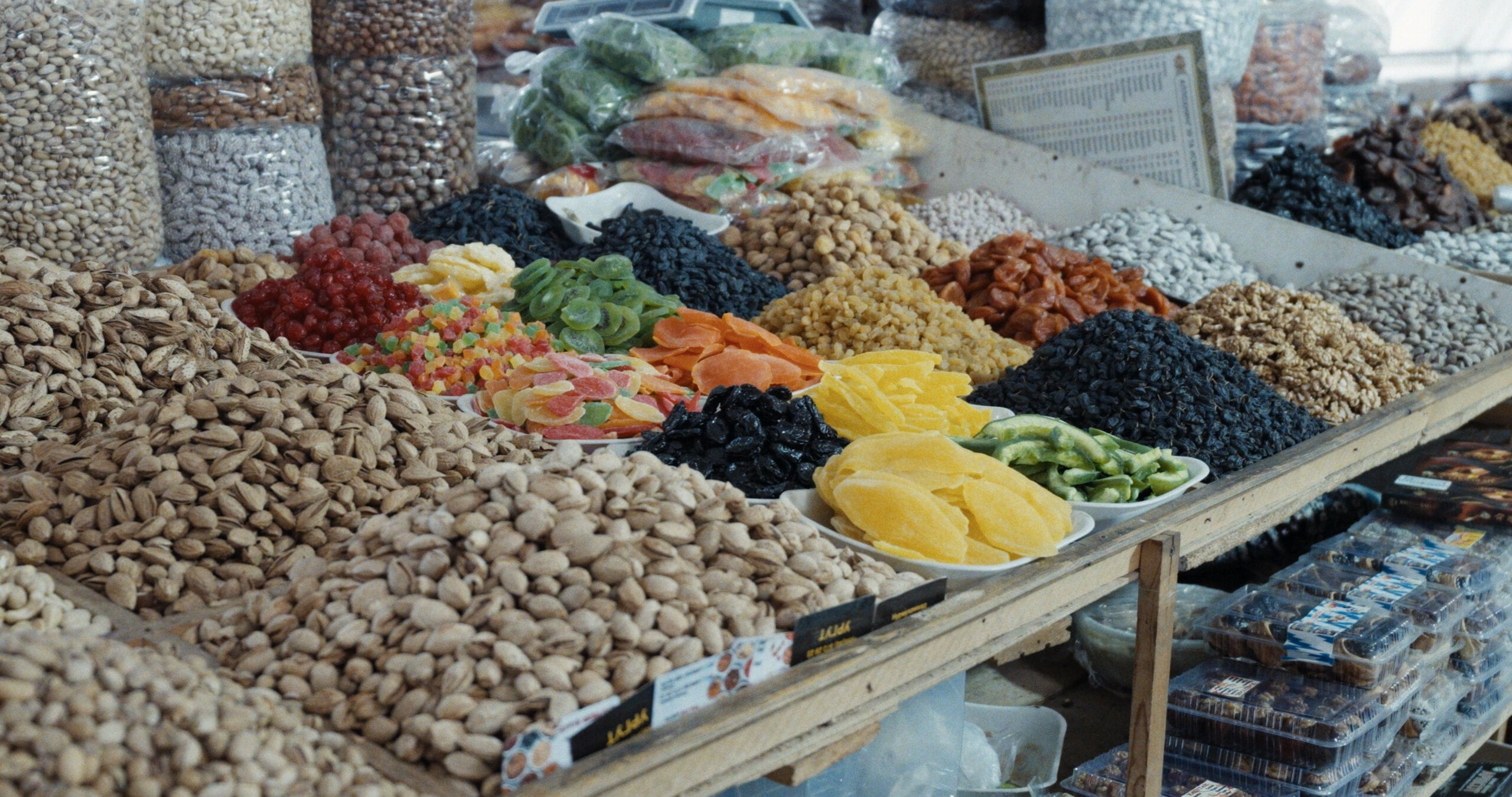
At the market, reds, yellows, greens, and blues stay distinct even when they sit side by side. Same camera image. No other grade.
Real footage
A film rendering you can trust shot to shot
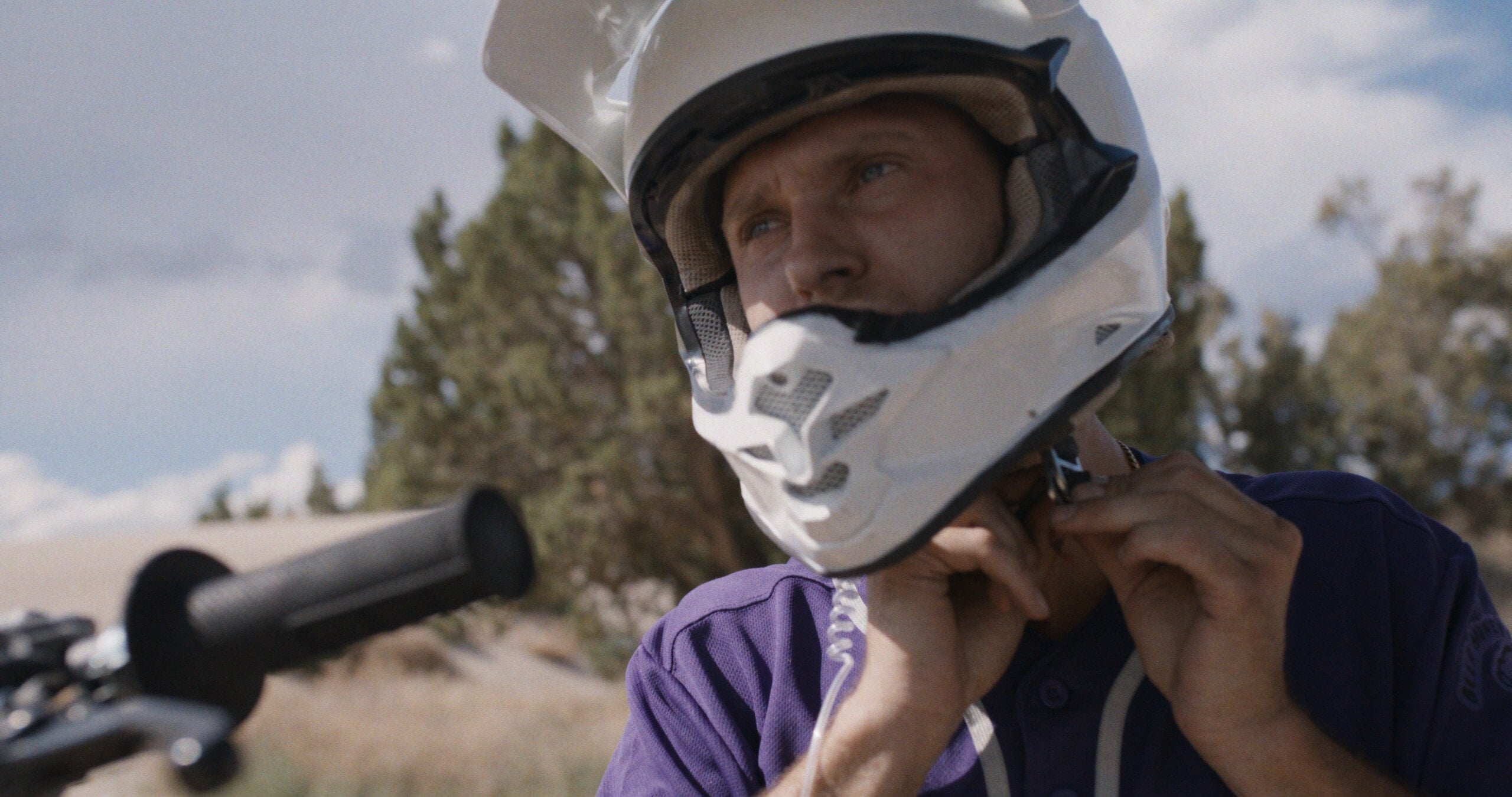
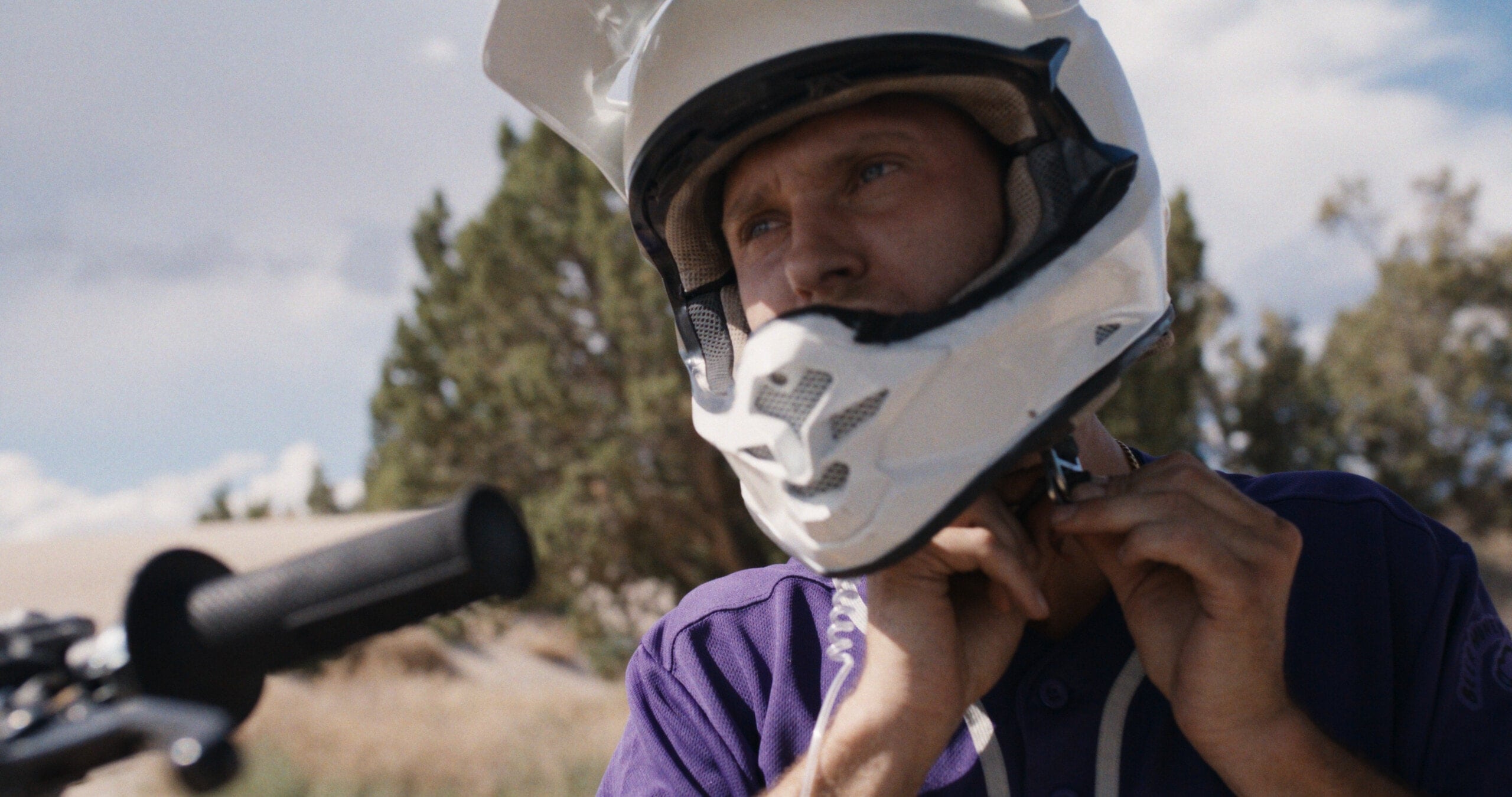
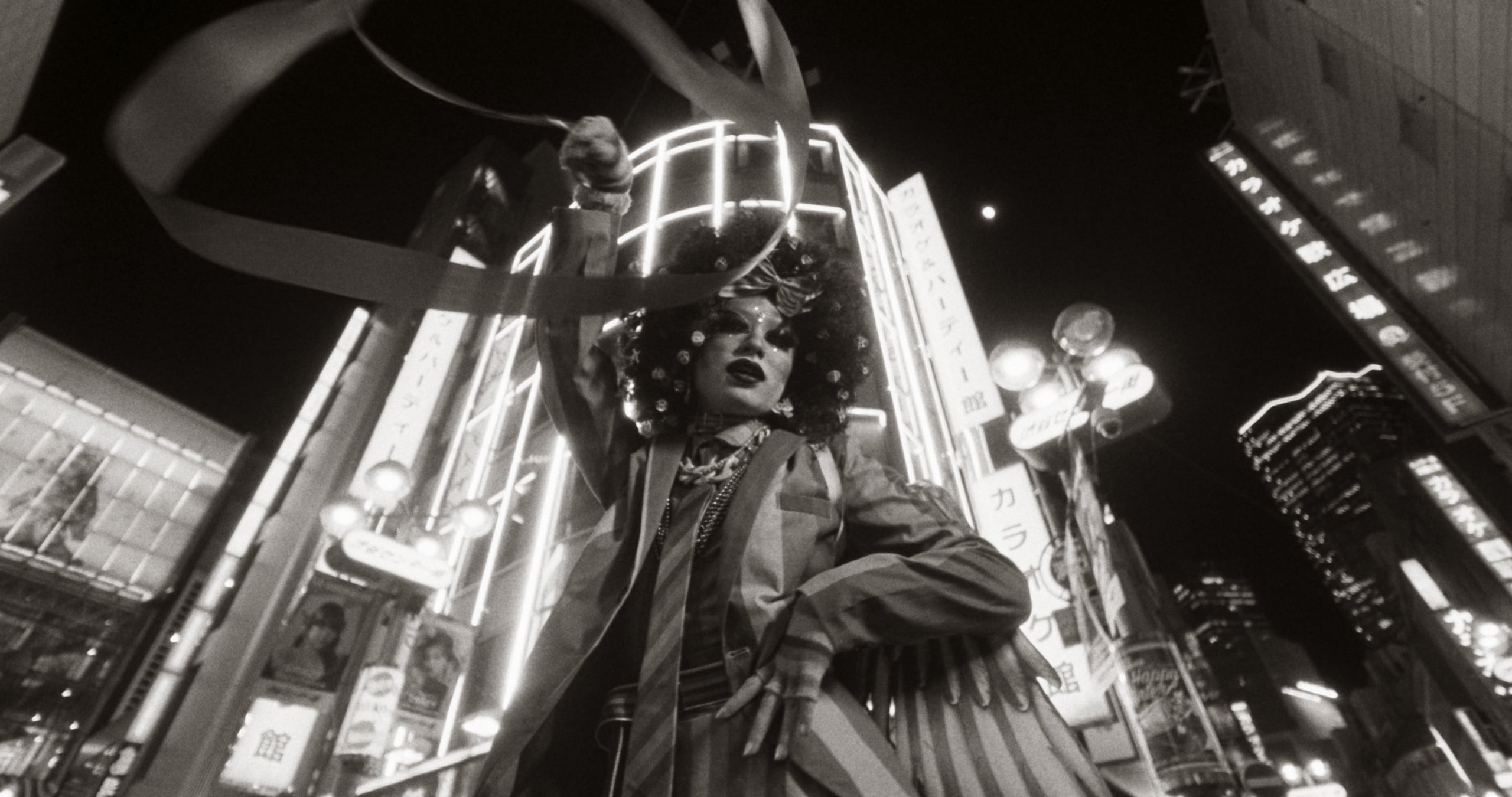
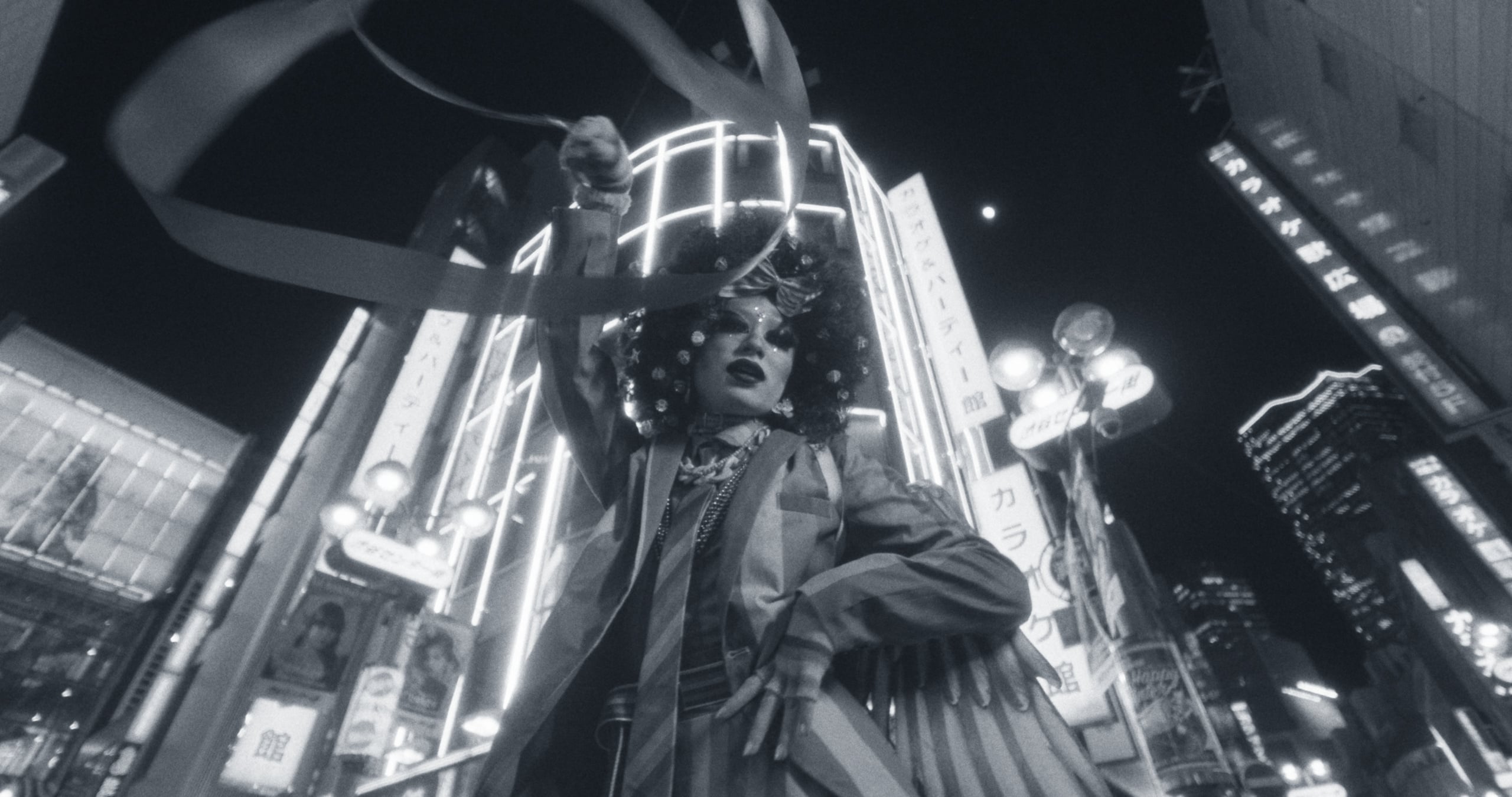
Neon, hard daylight, saturated paint, and deep shade all pass through the same process without being forced into the same result.
Latent's Default look on real footage, in motion. No other grade is applied.
The lab
Shape one connected film process
Choose the negative, develop it, decide what it prints onto, then time and finish the result. Every decision changes the response that follows.
This is what makes a film engine different from a stack of grading tools. Push the negative and its speed, curve, grain, and color move together. Retain silver and contrast rises while color falls, with a different tonal result in the negative than in the print. Each control changes the material that forms the image, so its consequences meet naturally in the render.
01·Scene color
A pixel in the scene-linear working image
02·Film exposure
Measured spectra predict each layer's response
03·The negative
Exposed layer by layer, then developed
04·The print
Printed onto release stock under timed lights
05·Viewing
Projected to screen or reflected from paper
01
The negative
Start with one of eleven modeled negatives
Each stock has its own sensitivity, curve, grain, halation, and development behavior. The color negatives also carry their own dye set and orange mask. Your choice changes more than color: it sets how the image carries exposure, texture, and contrast through every step that follows.
Kodak Vision3 50D

Kodak Vision3 250D
Kodak Vision3 200T
Kodak Vision3 500T

Kodak 5247 II

Kodak EXR 200T

Kodak Portra 400
Fuji Eterna Vivid 500T
02
The lab
Develop the negative, not a collection of effects
Push or pull and the negative's speed, curve, grain, and color move together. Shadow Flash pre-exposes the emulsion. Bleach Bypass retains silver beside the developed dyes. Because these controls change the same negative, their effects interact instead of sitting apart.
Pulled two stops
Normal development
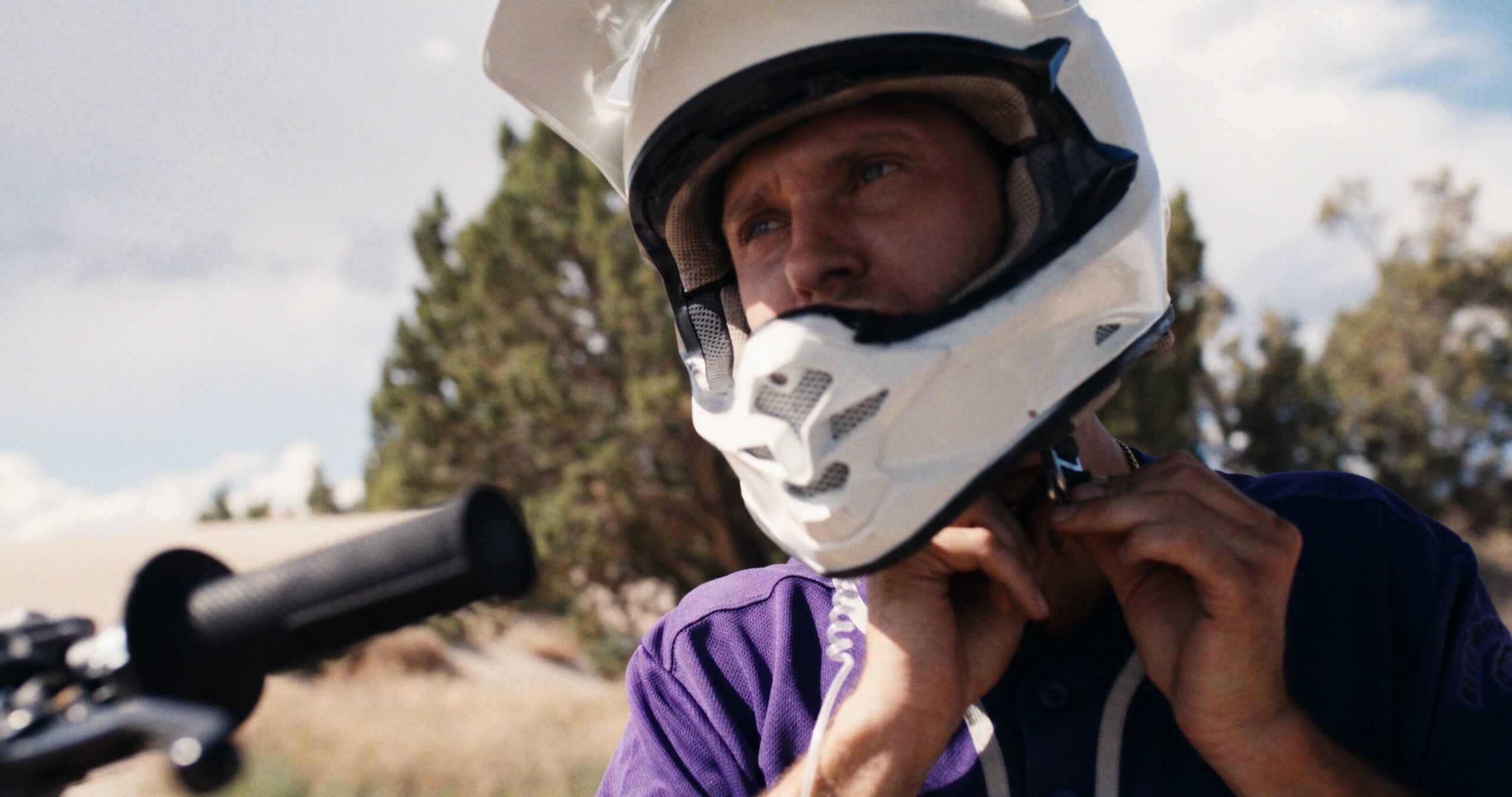
Pushed two stops
03
The print
Decide how the negative becomes a finished image
Print onto a release stock or Kodak Endura Premier photographic paper, then balance the result with red, green, and blue printer points. Every material has its own curves, color response, black, and white. Changing the print reshapes the whole image rather than adding another finish.

Kodak Vision 2383
Kodak Vision Premier 2393
Kodak EXR 5386
Fuji Eterna-CP 3513DI
Fuji Eterna-CP 3523XD
Kodak Endura Premier Paper
04
Black and white
Build black and white from silver
Double-X, Tri-X, and Plus-X use one panchromatic record and a silver image rather than a desaturated color process. Print onto Kodak 2302, then tone the silver with sepia, selenium, gold, or iron blue. The toner follows density, so shadows carry more color while whites stay cleaner.
Mocha
Squid Ink
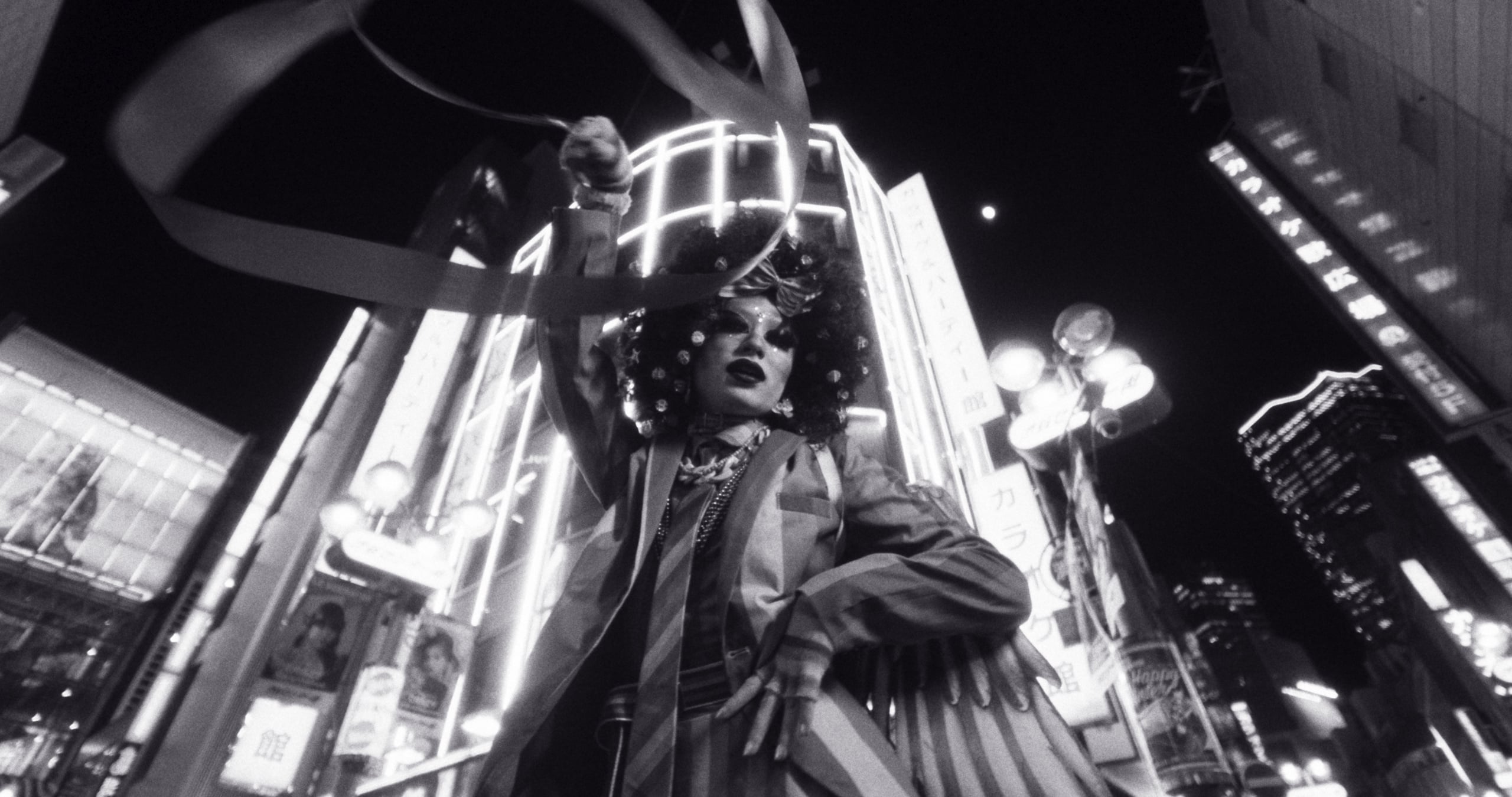
Black Liquorice
The recipes
Start with a recipe, then make it yours
The eight built-in looks are complete process recipes, never black boxes. See every decision, change any part, and save the result as your own .latent file. Start from scratch when you know what you want, or use a recipe to find the direction and keep working from there. Licensed copies can export the pointwise color and tone as a LUT; spatial texture stays in Latent.
A stronger starting point for the whole grade
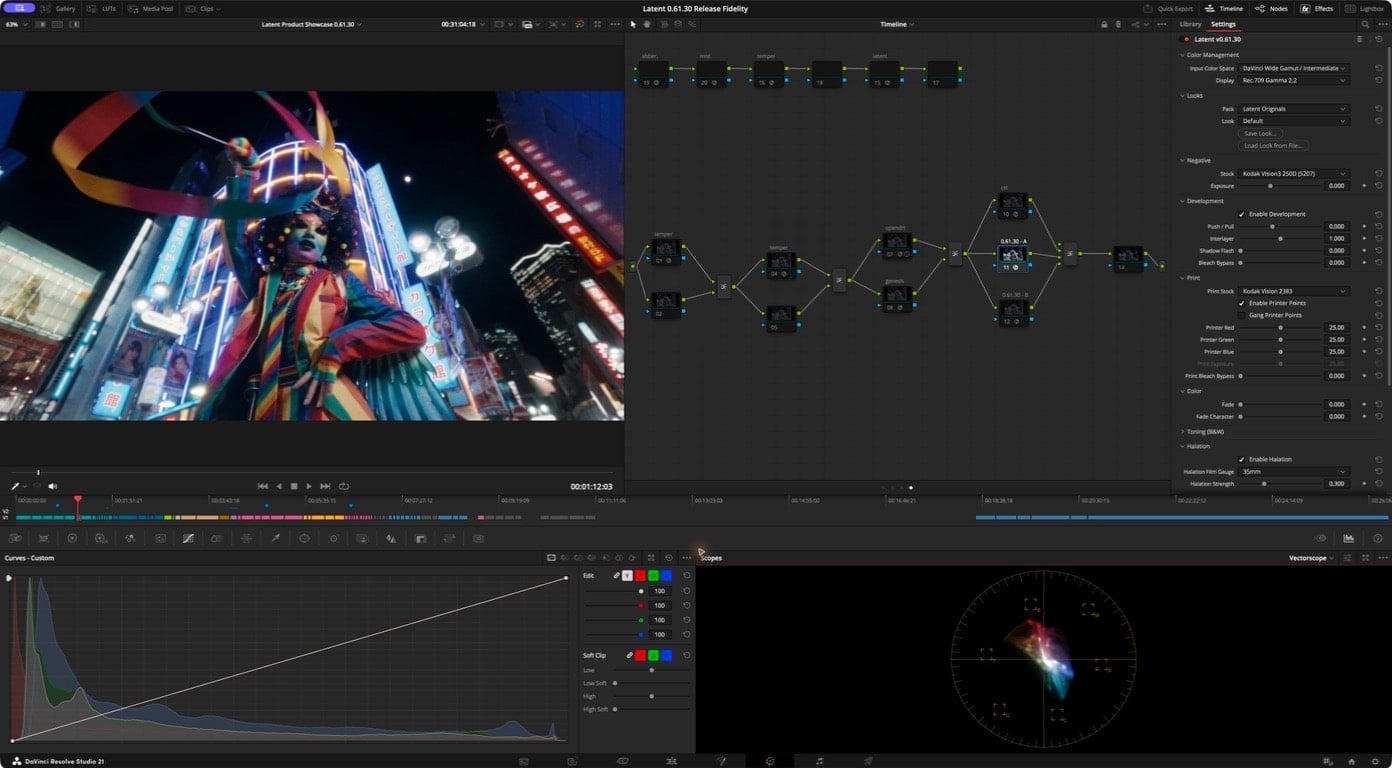
- Grade in DaVinci Wide Gamut / Intermediate, ACEScct, or ARRI LogC4. Latent decodes each with the published math.
- Place Latent on the last node. Latent renders the image to the display and takes the place of your output transform.
- Keep grading before Latent as usual. Every upstream adjustment passes through the same film process, so the rendering stays coherent as you work.
- Output in Rec.709 gamma 2.4 or 2.2, or sRGB.
- When another transform already owns color and tone, Texture-only mode carries Latent's spatial response into that rendering.
Measured on a 32-core M4 Max: about 47 to 50 fps at UHD through the complete default 35 mm path. Sustained Resolve playback can be slower.
Current requirements
- DaVinci Resolve Studio 21
- Physical Apple Silicon Mac
- macOS 14 or later
- No virtual machines or cloned macOS environments
- SDR delivery
Your footage will tell you more than this page can.
Join the waitlist and we will send you both links at launch: the complete watermarked trial, free with no time limit, and the Founders Edition.
Try before you buy
Put the complete film engine on your own footage
At launch, download Latent with every stock and control available, free and without a time limit. The trial places a watermark over the frame and keeps LUT export locked.
The trial download appears here at launch.
Founders Edition
$149USD
Founders pricing ends when v1.0 ships.
- The complete Latent plugin for DaVinci Resolve Studio.
- One perpetual personal license for two Macs.
- Every release through v1.x, including v1.0 when it ships.
Join the Latent waitlist
Free to join, no credit card required. Checkout and the watermarked trial both open at launch.
- Complete trial, no time limit
- 30-day money-back guarantee
- Pay once, own every v1.x update
Latent Founders Circle
Help shape Latent through v1.0.
A private Discord for the people who buy Latent before v1. Share your work, compare processes, report problems, and speak directly with the developer while the product moves toward v1.0.
Private Discord · invitations open with the Founders Edition.
Latent Studio
from $1,300 USD per seat · For companies, post houses, teams, and individual productions. Required for projects over $2M USD.
Everything in Latent. Organization-owned seats for named artists. Managed seat reassignment as staffing or projects change.
Questions
Does activation need the internet?
Yes. Activating a Mac checks the license online and uses one of its two seats. Latent then keeps a signed 30-day certificate on that Mac and checks the existing seat quietly once a day when internet is available. A failed connection does not disable it. If the certificate cannot be refreshed, Latent keeps working for a further seven-day offline grace period after it expires. Deactivation is online and releases the seat.
Is it fast enough to grade with?
On a 32-core M4 Max, the complete default 35 mm path benchmarks at about 47 to 50 fps in UHD. Sustained Resolve playback can be slower, and base fanless Macs should treat 4K as a render rather than guaranteed real-time playback.
Is there a Windows or Intel version?
Not yet. Latent runs on physical Apple Silicon Macs today; Intel Macs, Windows, virtual machines, and cloned macOS environments are not supported. Broader platform support is on the roadmap, without a date attached.
Does it support HDR?
Not yet. Latent renders SDR: Rec.709 at gamma 2.4 or 2.2, and sRGB. The roadmap includes HDR output.
Can I take a look on set, or to another suite?
Yes. A licensed build exports the current pointwise color and tone as a 17, 33, or 65 point .cube LUT. Grain, halation, material response, and spatial DIR diffusion cannot live in a 3D LUT. The complete setup saves as a small .latent file you can load anywhere Latent runs.
The fine print
An RGB pixel does not contain one recoverable scene spectrum. Latent therefore uses a deterministic estimate built from measured spectra of real surfaces, skin, vegetation, pigments, and light sources to predict how the film layers would respond under a D65 reference. That estimate was tested with measured skin reflectances across a wide range of complexions.
Manufacturer data anchors each stock. Some properties must be derived when a manufacturer never published the separated measurements; those cases are documented instead of being presented as measured. They include the dye-spectrum derivations used for Portra 400 and Eterna Vivid 500T.